

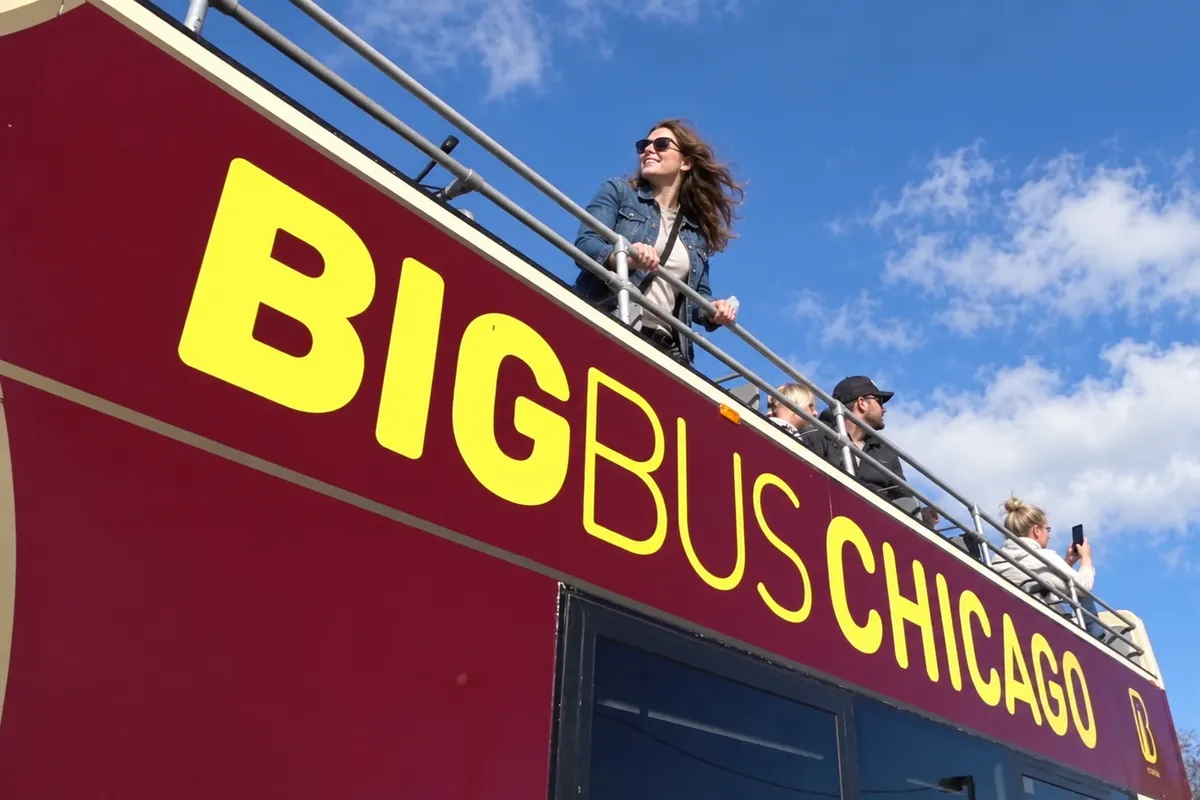
London is the strongest choice here for flexible hopping, BUSFORUS Istanbul for staying aboard with one long task, and Madrid for a shorter connected session. Vienna is difficult to justify as transport, while Singapore suits sightseeing far better than laptop work. The comparison below separates advertised Wi-Fi and charging from the equipment you still need to carry.
A sightseeing seat provides no desk, no call privacy, and usually no AC outlet. Braking, commentary, weather, and other passengers all affect concentration. Offline writing, code review, inbox triage, and asynchronous chat fit that environment; interviews, presentations, and client calls belong in a quiet room.
How I Ranked the Tours for Remote Work
Connectivity, Power, and a Timetable You Can Trust
I rank five things before the view: stated Wi-Fi, stated USB charging, bus frequency, full-loop duration, and the gap between ticket validity and actual operating hours. A 24-hour pass sounds generous until the last departure disappears around 17:00 and your workday is still going.
A long circuit lets you remain seated through one task. Frequent departures matter more when you intend to hop off for lunch or a meeting: an hourly service can turn a small delay into a lost afternoon. I also check whether the timetable refers to the last bus anywhere on the route or the last full circuit from its starting point. Those are different planning constraints.
Wi-Fi and USB receive separate columns because one does not imply the other. Even where both are advertised, neither guarantees laptop charging or a stable upload connection. Vehicle substitutions can also change the facilities at an individual seat, so the sensible backup travels in your bag.
Ticket Scope, Currency, and Laptop Rules
The fares below are adult online starting prices for the named product, in the currency displayed by the operator. Date-specific checkout prices can be higher. Amsterdam is shown in euros, and Singapore remains in US dollars because that is what Big Bus displays on its official Singapore page; inventing an SGD conversion would make the comparison less clear.
None of the nine tickets includes a special laptop workstation or a guaranteed seat. No operator in the list publishes a distinct remote-work policy. Keep the computer on your lap, bags out of the aisle, and follow crew instructions. The lower deck is the practical default; accessible spaces must remain available to passengers who need them.
The Best Sightseeing Buses for Remote Workers Compared
Fares, Work Facilities, Full Loops, and Operating Hours
The order reflects usefulness on a workday, with sightseeing value considered second. “No promised seat power” means you should arrive charged; it does not claim that every vehicle lacks a socket. Wi-Fi entries describe advertised availability rather than a measured connection speed.
| Tour and exact ticket | Official fare | Wi-Fi | USB or AC power | Full circuit | Frequency | First and last departure | Laptop setup and best task |
|---|---|---|---|---|---|---|---|
| Big Bus London, 24-hour Discover; Red and Blue routes plus one-way Thames cruise | From £36.99 | Free on all buses | No promised seat power | Red 2h30; Blue 3h35; Green Link 1h10 | Red 15–20 min; Blue 20 min; Green 45 min | Red from Stop 2: 08:30–17:45; Blue from Stop 28: 10:34–20:08; Green: 08:30–15:15 | Lower deck; long offline draft on Red, flexible admin between hops |
| BUSFORUS Istanbul, Classic 24-hour | Fare shown for the selected date at booking; confirm the checkout total | Free throughout the trip | USB and headphone jack at every seat; no AC outlet promised | 2–2.5 hours, approximately 33 km | Hourly from Sultanahmet | 10:00–17:00 daily | Stay aboard for one uninterrupted coding or writing session |
| Madrid City Tour, 24-hour ticket covering Routes 1, 2, and 3 | From €29.70 online; standard fare €33 | Free on all buses | USB chargers; no AC outlet promised | R1 85 min; R2 70 min; R3 75 min | R1 15–40 min, then 30–40 min from 1 November; R2 and R3 35 min | All start 10:00; last full R1/R2/R3 18:13/18:55/18:09, moving to 17:05/17:45/17:30 from 1 November | Route 1 downstairs; document edits, messages, and phone charging |
| Tootbus Paris Discovery, 24-hour Blue Route ticket | From €49 on the official Discovery page | Free onboard | No promised seat power | Approximately 2h15, 10 stops | Every 15 min in the current and winter periods; more frequent in summer | From Opéra at 09:30; last 18:30 through 1 November, then 17:00 from 2 November to 3 January | One continuous offline draft; avoid repeated hopping |
| City Sightseeing Amsterdam, 24-hour Bus + Boat | €32.50; 48-hour version €42.50 | Free on buses and boats | No USB or AC power promised | Bus 60–70 min; boat 2 hours | Bus about 25 min; boat about 30–45 min | Bus from Stop 1: 10:00–17:00; boat: 09:30–17:45 | Chat on the bus; offline reading on the boat |
| DoDublin, 24-hour Original Tour with Docklands included | €28.90 online; €34 standard | Free onboard | No sightseeing-bus USB or AC power promised | Original Tour 1h45; Docklands 45 min | Winter every 30 min; summer every 20–30 min | October–April 09:00–17:00; May–September 09:00–18:00 | Offline writing; live commentary can interrupt detailed work |
| Big Bus Sydney & Bondi, 24-hour Discover covering both routes | From AU$75 | Complimentary onboard | No promised seat power | City 1h30; Bondi & Bays 1h20 | City 30–40 min; Bondi 35–45 min | City from Stop 1A: 09:00–17:00; Bondi: 09:20–17:00 | City route for editing; Bondi for light email with a generous return buffer |
| Big Bus Vienna, 24-hour Discover covering Red and Blue routes | From €37 online; full price €39 | Free onboard | No promised seat power | Red 1h40; Blue 1h15 | Both 20–30 min | Red from Opera/Walfischgasse: 09:30–16:30; Blue from Opera/Albertina: 09:45–16:45 | Downloaded documents; panoramic overview is the main benefit |
| Big Bus Singapore, one-day Discover | From US$53 on the official checkout | Free onboard | No promised seat power | Yellow City 90 min; Red Heritage 60 min | Yellow 25–40 min; Red 25–35 min | Yellow from Suntec: 09:30–17:20; Red: 09:40–17:10 | Lower-deck messaging; poor choice for sustained open-deck laptop work |
London earns the top position because a missed departure causes the least disruption. Istanbul trades that flexibility for a more self-contained session and per-seat USB. Madrid is the most complete shorter-loop option on facilities. Amsterdam remains attractive for variety, although its two-hour boat circuit demands a different task and a wider buffer.
Three Meeting-Safe Workday Plans
London: A Full Red Circuit With a Waterloo Call Room
Use Stop 12, London Eye Eastbound, beside the Lion Statue outside London Marriott County Hall. Its first Red Route bus is listed at 08:46 on the Big Bus London route timetable. Stay on for the entire circuit and expect to return around 11:16, allowing extra time for traffic. If you miss it, the approximate fallback is 09:01–09:06; check live tracking before leaving the stop.
Reserve a noon meeting room at WeWork, 10 York Road, close to Waterloo Station. That leaves time to walk over, connect, and deal with a delayed arrival without joining the call from the South Bank pavement. The Big Bus service information also distinguishes the last full Red circuit from later route times, which is the detail to check before attempting an afternoon version.
The included Thames cruise works better after the call. Treat it as a separate sightseeing leg, since boarding and disembarking break up the working time and a boat offers no improvement in privacy.
Paris: Opéra Departure, Then a Reserved Room Behind Garnier
Board the first Blue Route departure at Opéra / Grands Magasins, 23 Boulevard des Capucines. Missing it costs roughly a quarter-hour. Staying aboard brings you back at about 11:45; reserve a 12:30 meeting room at Spaces Opéra Garnier, 7 Rue Meyerbeer. The short gap is enough to return and settle in, while the later start protects the call from ordinary boarding delays.
One summer circuit, I began upstairs with a draft and a cold bottle of water. By the Louvre, glare had made the screen tiring, so I moved downstairs and finished the draft there. The electric drivetrain was quiet; direct sunlight caused the difficulty. I now choose the shaded seat from the outset and keep the upper deck for a screen-free break.
Paris works best when the circuit itself is the day’s single sightseeing commitment. Repeated hopping spends the route’s main advantage: a long period in which nobody needs you to change seats.
Istanbul: Sultanahmet First Bus, Eminönü Workspace Afterwards
Take the opening Sultanahmet departure and remain on the bus through Beylerbeyi and the return leg. Missing that bus costs an hour, so arrive early rather than building the day around the second departure. The circuit should finish between noon and 12:30 under normal conditions.
For a 14:00 call, take the T1 tram from Sultanahmet towards Eminönü and pre-arrange workspace at CoBAC, Ragıp Gümüşpala Caddesi 29. It has work areas and phone booths, giving you a more suitable place for a conversation than the crowded waterfront. Keep lunch and the tram ride inside the buffer rather than assuming the loop will finish at its shortest advertised duration.
The Istanbul transport authority’s BUSFORUS guide confirms the 11-stop route, free Wi-Fi, air conditioning, and USB at every seat. That USB is useful for keeping a phone hotspot alive; bring the laptop charged.
Where the Other Six Tours Fit
Amsterdam, Madrid, and Dublin
Amsterdam’s bus runs around the periphery because sightseeing buses cannot drive and stop in the city centre. That makes the bus-and-boat combination more useful for orientation than for quick point-to-point transport. The City Sightseeing Amsterdam FAQ also says seating is first come, first served and a full departure may require waiting for the next one. Answer messages on the bus, then switch to downloaded reading on the boat; do not place a meeting immediately after a planned mode change.
Madrid is easier to use selectively. Route 1 provides the longest single work window, while Routes 2 and 3 add coverage you may not need on the same day. An onboard staff member is present, and the operator asks passengers to use the staircases only while the bus is stopped. Keep your bag and computer settled until then. The official fleet specification includes Wi-Fi and USB, making Madrid a stronger asynchronous-work option than its older ticket descriptions suggested.
DoDublin’s live local guides are a reason to choose the tour for entertainment, but they compete with detailed editing. A downloaded draft or inbox cleanup is more realistic. The ticket activates when the driver first scans your QR code, so buying ahead does not consume validity before you travel.
Sydney, Singapore, and Vienna
Sydney’s City route gives the longer uninterrupted session. Bondi has the less forgiving interval, so decide your return bus before leaving the beach rather than checking after coffee. The official Big Bus Sydney page confirms that Discover covers both routes; the more expensive bundles add activities rather than improving the onboard workstation.
Singapore’s Yellow route is the better messaging window, while the open deck is hostile to sustained computer use in direct tropical sun. Suntec City Mall is a practical place to return to indoor work after the circuit. Vienna has two manageable routes and advertised Wi-Fi, but its value depends on wanting the panoramic commentary; the public-transport comparison below is decisive if you only need to move between appointments.
Onboard Wi-Fi, Power, and Seating: One Working Brief
Asynchronous tasks tolerate a moving connection because small requests can retry after a dropout. A live screen share exposes every interruption immediately. Seat USB is similarly limited: the sockets at BUSFORUS and Madrid are intended for charging devices such as phones, and no operator here promises laptop-grade AC power.
For a laptop that supports USB-C charging, carry a power bank rated at 65W or higher with USB Power Delivery. A 65W PD profile uses 20V at 3.25A, suitable for many current ultrabooks; check your computer’s input requirement and the power bank’s airline rating before travelling. Add a short USB-C cable and keep a phone hotspot available independently of the bus network.
- Do download work files, maps, tickets, and a second lightweight task before boarding.
- Do sit downstairs with the laptop on your lap and enough battery for the whole circuit.
- Do use the hotspot for anything time-sensitive and save large uploads for a fixed connection.
- Do not hold interviews, client presentations, or confidential calls on either deck.
- Do not place a bag, cable, or computer in the aisle or on an accessible seat needed by another passenger.
- Do not plan around a USB socket or Wi-Fi logo unless the specific operator advertises it.
The upper deck adds glare, wind, rain exposure, and device heat. Apple gives a 10–35°C ambient operating range for Mac laptops and warns against direct sunlight in its Mac operating-temperature guidance. On a wet autumn Red Route ride, I tried to edit upstairs and moved below at the next stop after rain kept spotting the screen. The local file was safe, and the rest of the circuit was more comfortable downstairs.
Ticket Tiers and Validity That Change the Workday
Big Bus London’s 48-hour Essential starts at £46.99 and adds three walking tours to the cruise and bus access. It makes sense when you will use those inclusions on consecutive days; it does not create additional departures. DoDublin’s 48-hour and 72-hour online fares are €33.15 and €37.40, respectively, which can be better value than repeating a short visit, provided your travel days are consecutive.
BUSFORUS Classic covers the daytime bus for 24 hours. Silver extends access to 48 hours and adds a Bosphorus boat tour, while Gold also includes the evening tour. All remain constrained by the daytime departure schedule. Tootbus validates Discovery on first boarding for the selected 24, 48, or 72 hours.
Sydney’s 48-hour Explore starts at AU$133 and includes a panoramic night tour and hop-on hop-off harbour cruise. For a traveller who only wants the two daytime bus routes and a light work session, Discover is the cleaner purchase. Explore becomes reasonable when those two extra activities were already on the itinerary.
When the Tour Is Not Worth Buying
Vienna provides the clearest cost test. Big Bus Discover costs €27.30 more than Wiener Linien’s €9.70 digital 24-hour ticket, making the sightseeing fare about 3.8 times the transit fare. The Wiener Linien 24 Stunden Wien ticket covers unlimited travel in Vienna’s core zone for its validity period. The digital version is personal and must be used with official photo ID; the paper alternative costs €10.20.
If your plan is coworking, one museum, and dinner, use the U-Bahn, tram, or city bus and do your computer work at a desk. The sightseeing premium buys the circuit, elevated view, and commentary. It becomes defensible when those are the afternoon’s activity, rather than when you need three ordinary rides between work sessions.
Skip any tour on a day dominated by calls or a fixed delivery deadline. Also skip Sydney’s larger bundle when its cruise and night tour do not interest you, and choose an indoor attraction over Singapore’s open deck when heat would prevent you from looking at either the screen or the city.